Overview
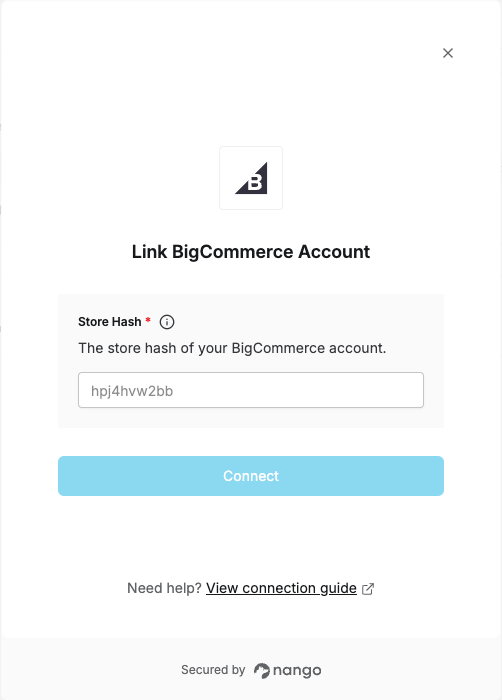
To authenticate with BigCommerce, you will need:- Store Hash - The unique identifier for your BigCommerce store.
Prerequisites:
- You must have a BigCommerce store.
Instructions:
Step 1: Finding your Store Hash
Log in to your BigCommerce account and look at your browser’s address bar — your Store Hash is the part right afterstore- (e.g. https://store-abc123.mybigcommerce.com/... → abc123).
Step 2: Enter your credentials in the Connect UI
Once you have your Store Hash:- Open the form where you need to authenticate with BigCommerce.
- Enter your Store Hash in the corresponding field.
- Submit the form, then log in to BigCommerce to approve access.